Video Editing Software Under $50 for Windows and Mac and Cheap Video Editor Lifetime License Availability

Finding a decent video editor below $50 is harder than it looks. Many apps advertise a free download, then place the better export settings, effects, or commercial-use rights behind a higher plan. Others do sell a lifetime license, but only during a discount period or only for Windows.
In most cases, this “video editing software under $50” range refers to subscription plans, entry-level pricing tiers, or limited-time discounts. True lifetime licenses are usually priced higher or available only for select Windows tools.
This guide explores video editing software under $50 for Windows/Mac, cheap video editor lifetime license availability, and features you’ll get for that price. The goal is simple: show what you can actually get at a low price, what each program is good at, and where the catch may be.
A quick note on pricing: software prices change often because of regional stores, taxes, and limited-time sales. The prices below are based on public product and store pages. Before buying, check the live checkout page.
Comparison of Affordable Video Editors for Windows and Mac
Below is a comparison of the most practical cheap video editors, including subscription tools, free software, and lifetime license options for Windows and Mac users.
1. Movavi Video Editor
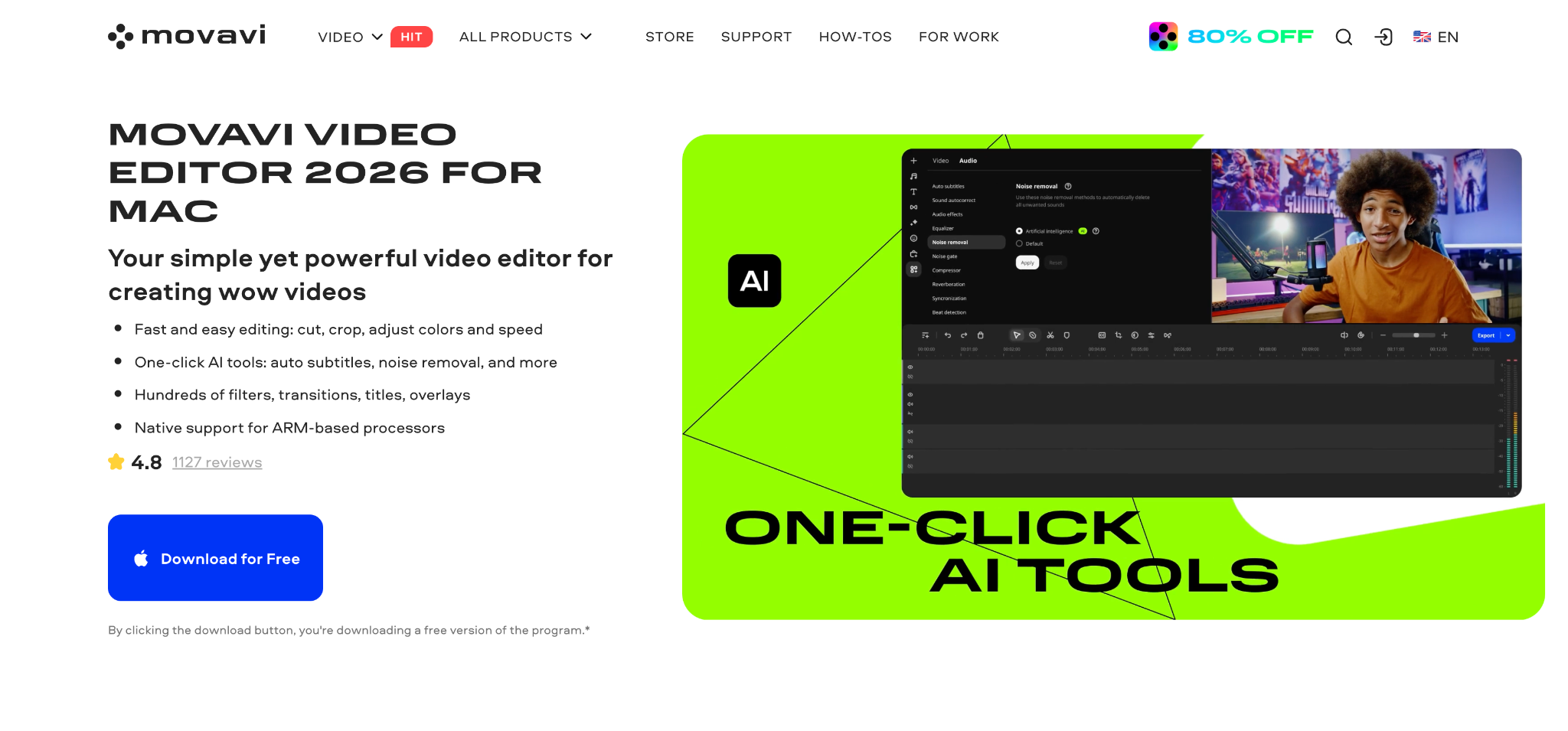
Movavi Video Editor is one of the easiest options for beginners who want a paid editor without a long setup process. It is one of the most balanced options for users looking for video editing software for Windows and Mac, and the entry price is $19.95 for the one-month subscription option. Movavi also has the annual purchase route, but it usually sits above the $50 limit unless there is a special offer.
The editor is built around a familiar timeline, a preview window, and separate sections for media, effects, titles, audio tools, and export settings. That layout matters when someone is editing their first tutorial, product clip, family video, or social post and does not want to study a professional editing interface before making the first cut.
The main editing tools cover trimming, splitting, cropping, rotating, speed changes, audio volume control, transitions, titles, filters, overlays, and format export. Movavi also includes several AI tools that cut down manual work: automatic subtitles, noise reduction, background removal, motion tracking, and automatic reframing for vertical video. Those tools make sense for short videos where speech, framing, and quick cleanup take more time than the actual cutting.
Movavi is a good fit if you want video editing software for Windows or Mac with a short learning curve.
Best for: beginners, creators, teachers, small business videos, quick social clips, simple YouTube edits.
Platforms: Windows, macOS.
License: available for $19.95/mo or $69.95/yr.
2. Lightworks
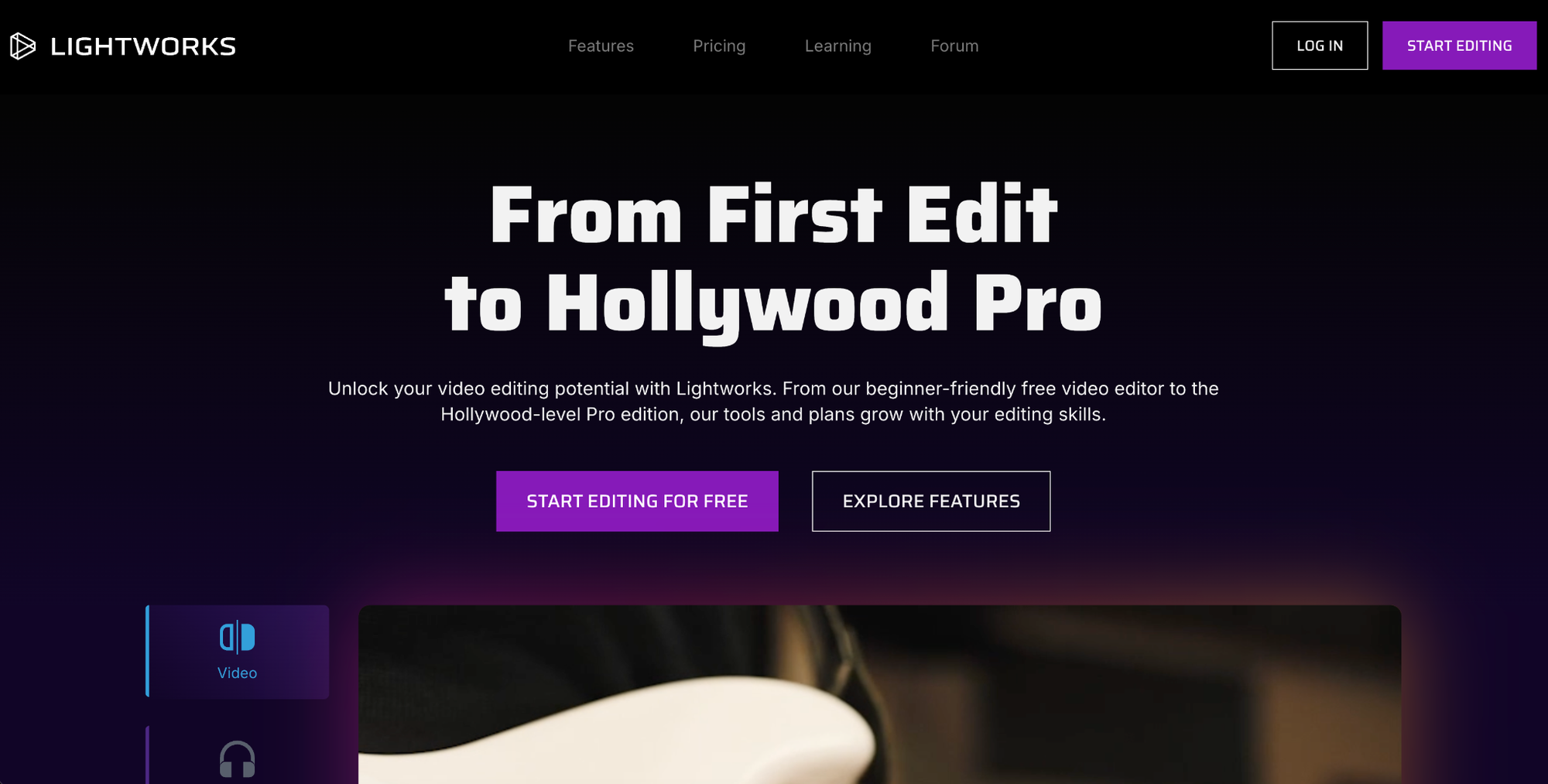
Lightworks is the strongest free starting point in this list if you want a real editing timeline rather than a short trial. The free version supports Windows, macOS, and Linux, and it allows watermark-free exports. That alone makes it different from many free editors, where the watermark becomes the real price of using the app.
Lightworks has a longer history than most budget editors, and it feels closer to a traditional editing workstation. You get timeline editing, trimming tools, basic visual effects, titles, audio controls, proxy workflows, background rendering, and export options aimed at online publishing. The paid Create and Pro tiers add more export options and advanced features, and there are monthly, yearly, and pay-once choices.
For someone searching for video editing software under $50, Lightworks makes sense because you can start for free and learn without hitting a payment screen after a few exports. It is also a good choice if you want to build better editing habits: cutting by rhythm, managing clips on a timeline, trimming more precisely, and working with longer projects.
The trade-off is comfort. Lightworks is not as soft a landing as Movavi or Filmora. New editors may need more time to understand the layout, export settings, and project structure. It is a better pick for people who are willing to learn a more serious editor and do not need a template-heavy app.
Best for: users who want a free editor with room to grow, longer projects, traditional timeline editing.
Platforms: Windows, macOS, Linux.
License: currently $13.99/mo, $139.99/yr, or $199.99/lifetime for the Create plan.
3. Wondershare Filmora
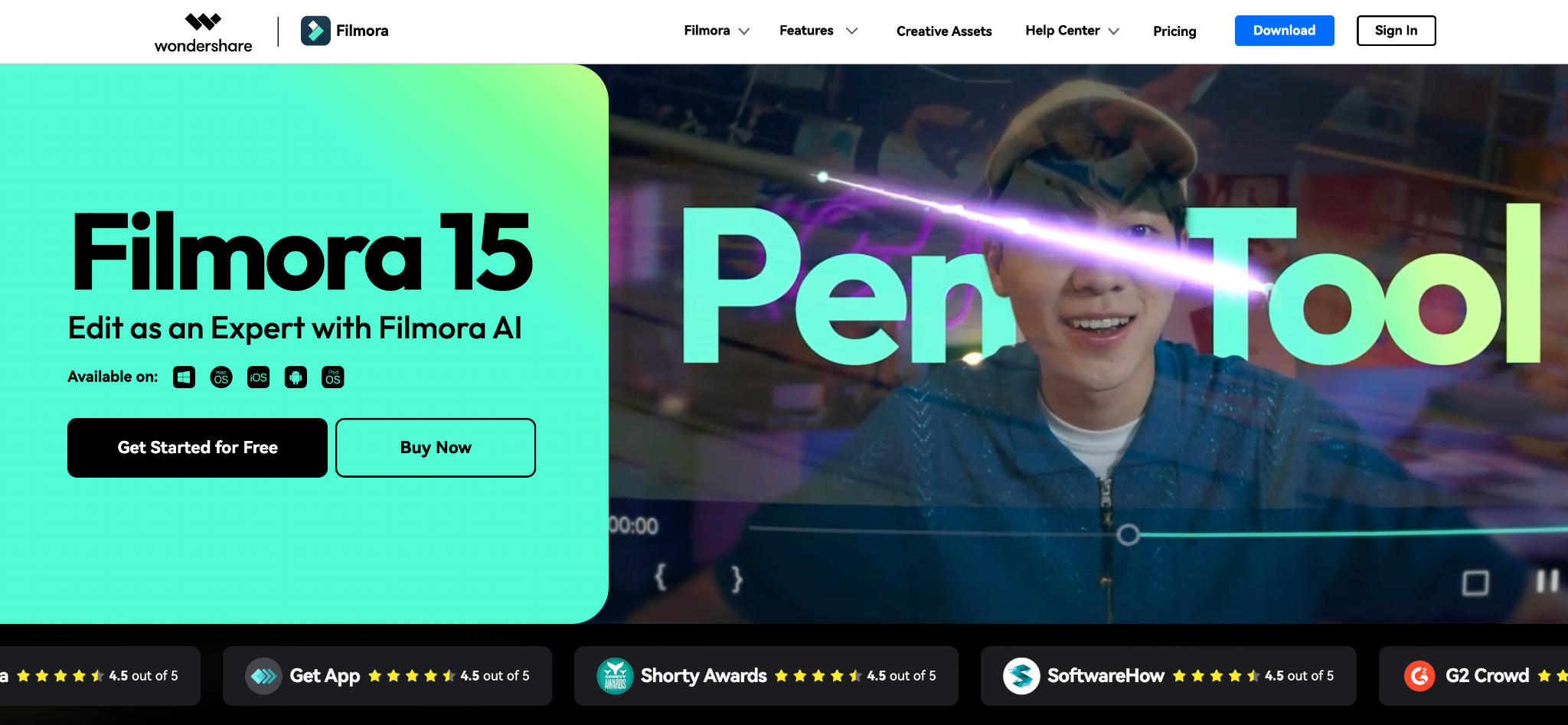
Wondershare Filmora sits between beginner software and feature-heavy editors. It is easier to learn than professional programs, but it still has a large set of tools for subtitles, effects, audio, templates, and social video formats. Filmora runs on Windows and macOS, and its pricing structure includes free, subscription, and perpetual license plans.
Filmora’s main appeal is the amount of editing support built into the app. It has timeline editing, transitions, filters, title presets, motion tools, audio ducking, silence detection, speech-to-text, text-based editing, templates, color tools, and a large asset library. It is a strong pick for creators who make frequent short videos and want more ready-made styles than a basic desktop editor usually provides.
The basic version of Filmora is currently $49.99/yr, while annual and perpetual options sit higher. Still, it is one of the more complete affordable editors for both Windows and Mac, and many users prefer its balance of simple controls and broader feature coverage.
Best for: YouTube videos, short social edits, creator content, template-based projects, users who want more AI tools than a basic editor.
Platforms: Windows, macOS.
License: $49.99/yr and available for $79.99 as a perpetual plan, with device and version terms to check before buying.
4. VideoPad
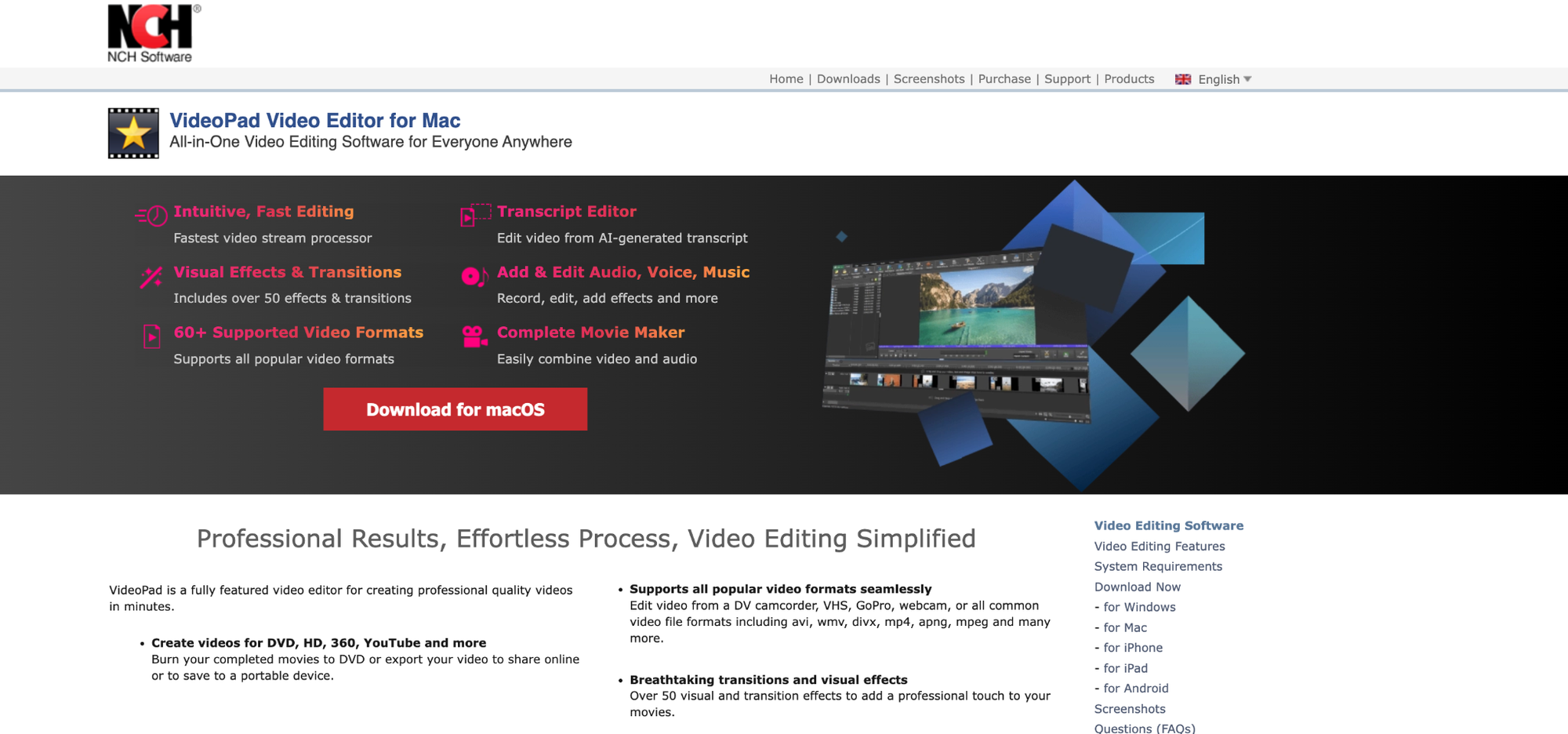
VideoPad by NCH Software is a practical cheap video editor for personal projects. It runs on Windows and Mac, and a free version is available for non-commercial home use. That makes it worth considering if your main goal is to cut a family video, school project, small archive clip, or simple YouTube upload without paying right away.
The interface is more old-school than Movavi or Filmora, but it covers more than the basics. VideoPad supports trimming, splitting, cropping, transitions, subtitles, voice-over recording, green screen editing, stabilization, picture-in-picture layouts, 3D video, 360 video, and export up to 4K. It also supports many input and output formats, which is helpful if you work with mixed files from phones, cameras, screen recorders, and older devices.
VideoPad is not the editor for modern social templates or AI-heavy editing. It is better for people who know what they need: cut this clip, add a title, fix a shaky shot, add music, export the file. That directness is a strength if you do not care about trendy effects.
Best for: home videos, simple editing, mixed-format files, non-commercial projects.
Platforms: Windows, macOS.
License: $5.50/mo, lifetime is currently at $69.95 for the Home edition and $99.00 for the Master’s one.
5. VideoStudio
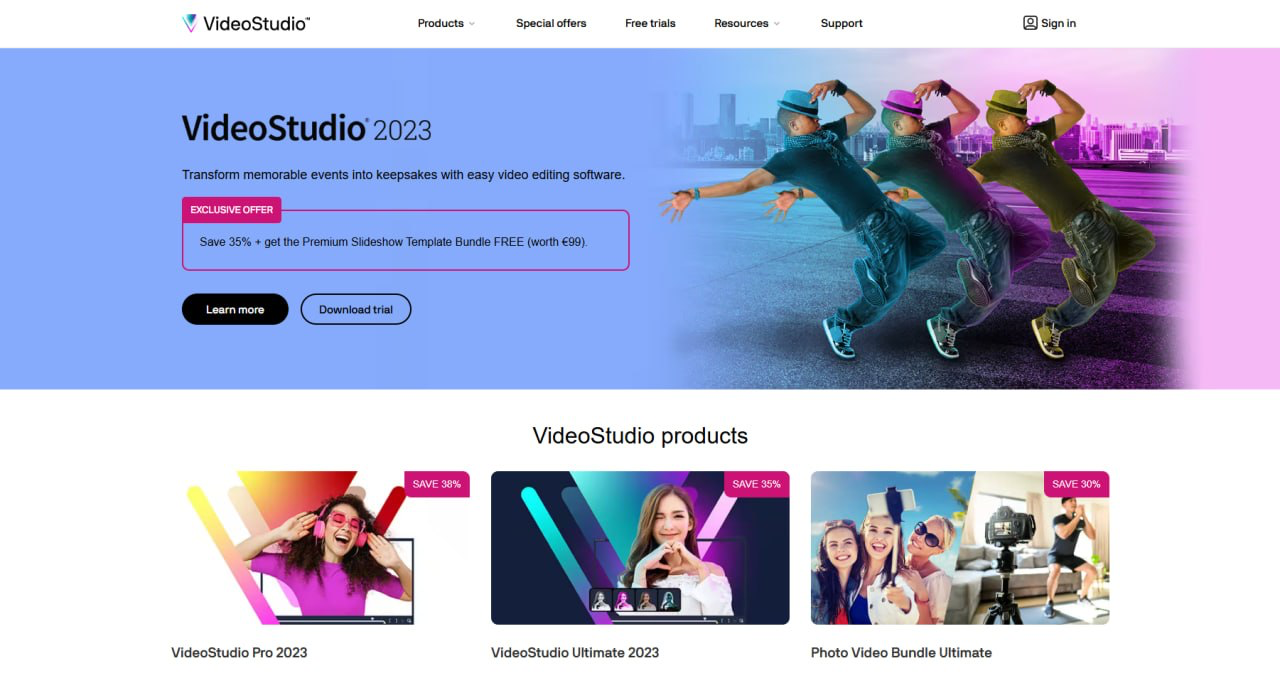
VideoStudio is a Windows-only editor. It does not solve the Mac side of the brief, but it still deserves a place because many people searching for affordable desktop editors are Windows users, and VideoStudio has a deeper toolset than many low-cost apps.
VideoStudio offers a 30-day free trial and support for 64-bit Windows. The feature set includes timeline editing, templates, multicam editing, screen recording, speech-to-text conversion, color tools, masks, GIF creation, title tools, transitions, face effects, animated stickers, DVD and AVCHD output, and direct export options for online platforms.
VideoStudio is best treated as a try-before-buy editor. It can work well for hobby users who want more than simple trimming and who prefer a desktop app over a browser editor. It also has disc-authoring support, which is less common now but still matters for users who create DVDs or archive family videos.
Best for: Windows hobby editors, multicam projects, DVD output, users who want a deeper trial before paying.
Platforms: Windows only.
License: available for $49.99 (Pro plan) and $64.99 (Ultimate plan).
6. Ashampoo Movie Studio
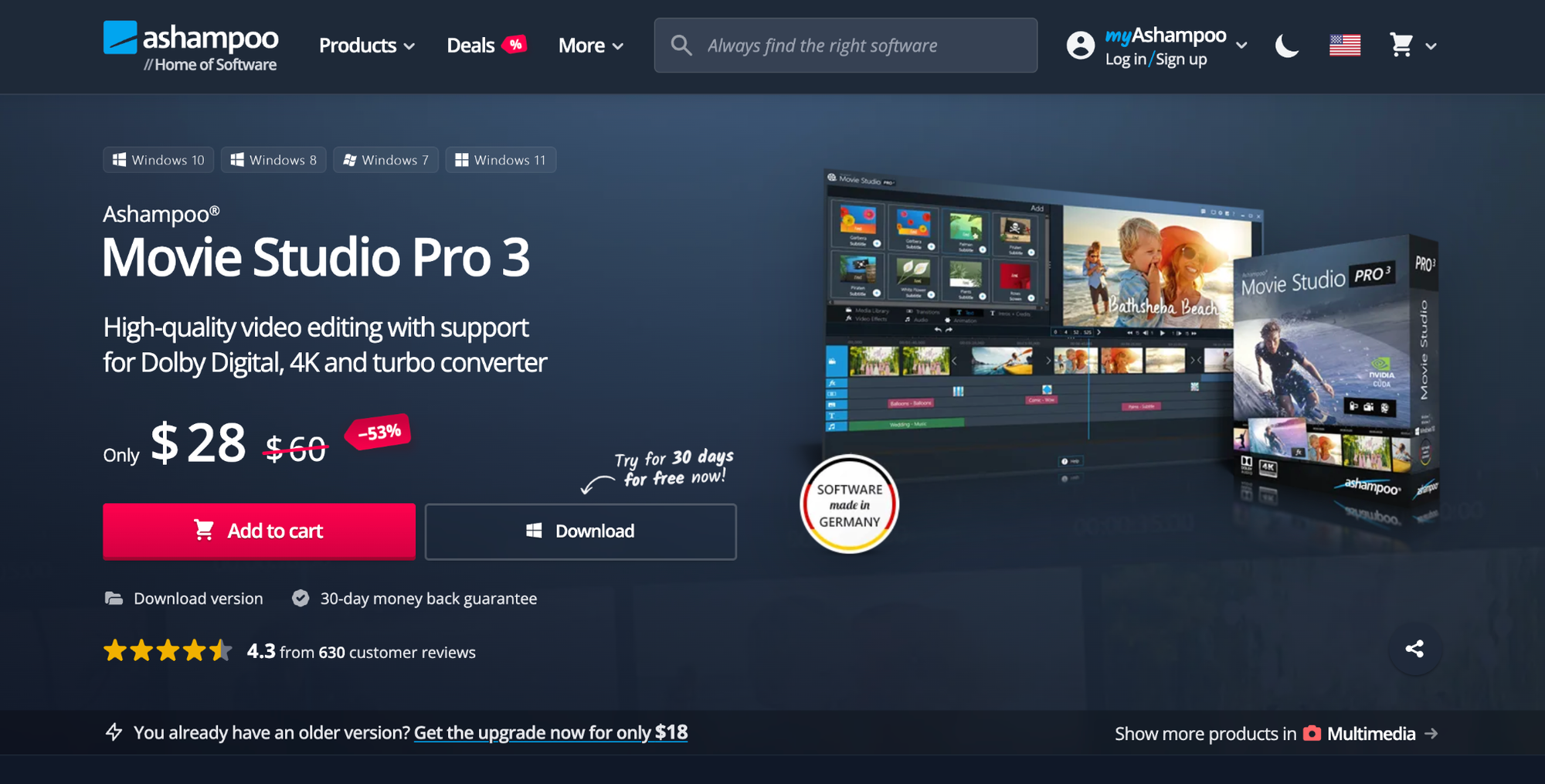
Ashampoo Movie Studio is a Windows-only editor with one of the clearest budget angles when discounted. Movie Studio Pro 3 at a sale price is $28, with a 30-day trial available. That makes it a real candidate for anyone who wants paid software at a low one-time cost rather than another subscription.
The program is aimed at local video editing rather than creator-platform production. It covers cutting, joining, removing unwanted sections, adding music, using transitions, adding titles, creating intros and outros, correcting images, converting files, and exporting to web or device profiles. It also supports 4K video, Dolby Digital 5.1, GPU-assisted conversion, and DVD or Blu-ray burning.
Ashampoo is especially good for users with older footage, TV recordings, camcorder files, holiday videos, or family archives. The workflow feels closer to a home media editor than a social-media content app. That can be exactly right if your work is mostly about cleaning up files, trimming long recordings, and exporting a version you can store or share.
The limitation is platform support. Ashampoo Movie Studio is video editing software for Windows, not Mac. It also does not compete with Filmora or Movavi on modern AI tools. Its price and disc features are the main reasons to consider it.
Best for: Windows home users, family videos, archive edits, DVD and Blu-ray output, one-time purchase buyers.
Platforms: Windows only.
License: available for $28 at a sale price (or $60 with no sale).
7. MAGIX Video Editor
MAGIX Video Editor, sold as MAGIX Video deluxe in some regions, is the clearest pick if you want a cheap video editor lifetime license on Windows. The perpetual license pricing starts at $29.99, with Video deluxe Premium at $39.99.
Depending on the edition, MAGIX includes timeline editing, templates, color correction, image optimization, AI subtitles and voiceovers, multicam editing for up to four cameras, many effects, and add-on packages from partners. It is closer to a full desktop editing suite than a quick-cut app.
This makes MAGIX a strong buy for Windows users who want ownership and more editing depth. It is also a good fit if you expect to work with longer projects, multicam footage, or more detailed timeline adjustments. The interface may take longer to learn, especially for beginners who have only used mobile editors or simple online tools.
The biggest drawback is obvious: no Mac version. If you need video editing software for Mac, MAGIX is out. If you are on Windows and want a lifetime license below $50, it is one of the strongest options in the group.
Best for: Windows users who want a perpetual license, longer edits, multicam work, more detailed desktop editing.
Platforms: Windows only.
License: available at $29.99 for the Plus plan and $39.99 for the Premium one.
How To Choose The Right Cheap Video Editor
For most users, the choice depends on whether they prefer subscription-based tools, free editors, or a video editing software under $50 Windows Mac option with lifetime license availability.
In most cases, subscription plans dominate the under-$50 range, while lifetime license options are more common in Windows-only software.
No single product wins every category. Cross-platform support, low entry price, and lifetime ownership rarely come together at the same time. Pick the editor based on the thing you care about most: easiest start, free exports, Mac support, Windows-only lifetime value, or deeper editing tools.
Ultimately, the best choice depends on whether you need a cheap video editor, a video editing software under $50 for Windows and Mac, or a lifetime license option for long-term use.